IPTV on Firestick: How to Set It Up Step by Step
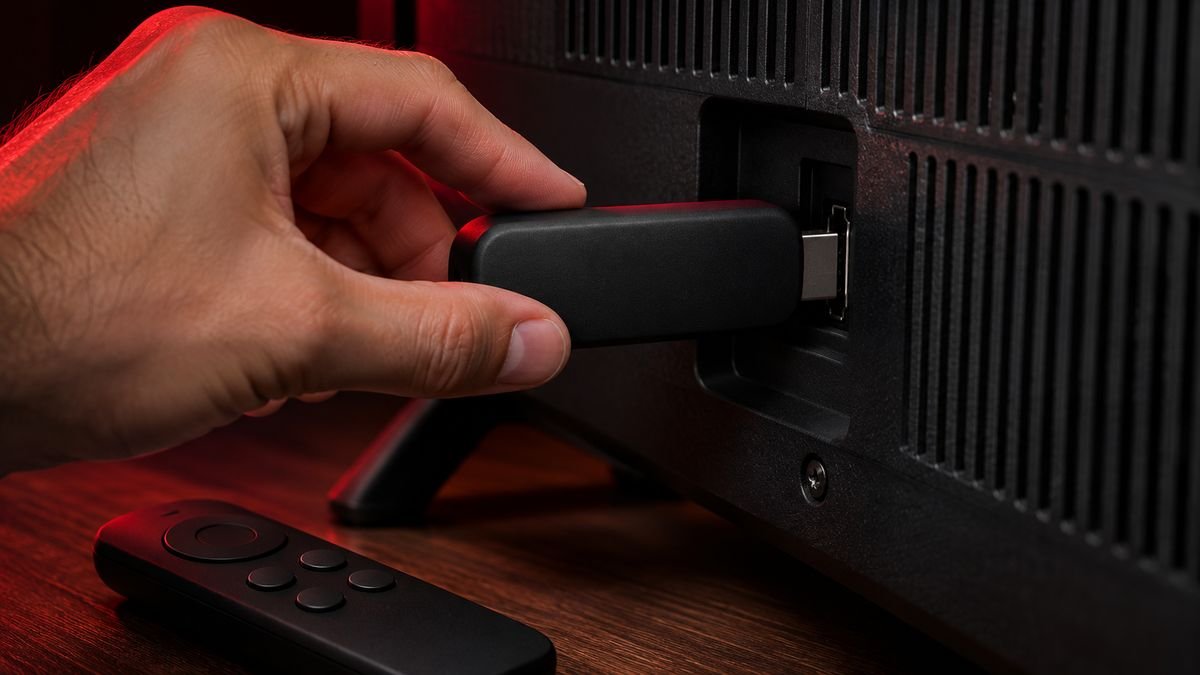
The Amazon Fire TV Stick is one of the easiest ways to watch IPTV on any TV with an HDMI port. This guide explains what you need and how setup works, step by step.
What you need
- A Fire TV Stick (any recent model; the 4K models are best for 4K streams)
- An internet connection of about 10 Mbps for HD, or 25 Mbps or more for 4K
- An IPTV subscription: your username, password and server URL
- A player app such as IPTV Smarters Pro or TiviMate
Step 1: Allow apps from outside the Appstore
Most IPTV player apps are not listed in the Amazon Appstore, so they are installed with a free app called Downloader.
- On your Fire TV Stick, search for Downloader in the Appstore and install it.
- Open Settings, then My Fire TV, then Developer options.
- Choose Install unknown apps and switch it on for Downloader.
If you do not see Developer options, open Settings, My Fire TV, About, and press the select button on the device name seven times.
Step 2: Install your player app
Open Downloader and enter the download address for your player app. Only use the official address from the app developer. If you are not sure which address to use, message us and we will send you the right one for your app.
Step 3: Log in
Open the player app and choose the Xtream Codes login. Enter your username, password and server URL exactly as you received them. Our guides for IPTV Smarters Pro and TiviMate show each screen.
Tips for a smooth picture
- Use 5 GHz Wi-Fi, or an Ethernet adapter for the Fire TV Stick.
- Plug the stick into the wall adapter, not the TV USB port, so it gets enough power.
- Restart the stick now and then: hold Select and Play together for a few seconds.
- Close other downloads on your network during big matches.
Common problems
- App will not install: check that “Install unknown apps” is on for Downloader.
- Login failed: check spaces, capital letters and the full server URL.
- Buffering: move the router closer or use a cable adapter.
Stuck on any step? Send us a message with what you see on screen.