IPTV Box: What It Is and Whether You Need One
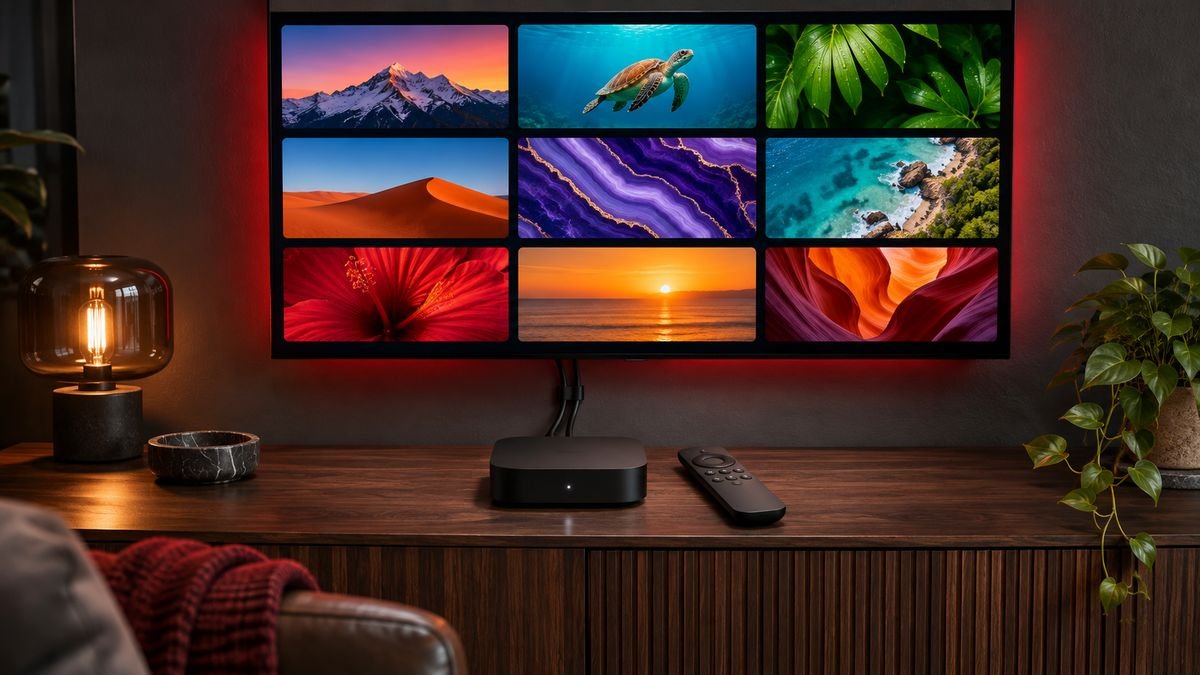
An IPTV box is a small device that plugs into your TV and runs an IPTV player app. People often think they must buy one to watch IPTV. In most homes you do not: a Smart TV or a streaming stick does the same job.
What an IPTV box does
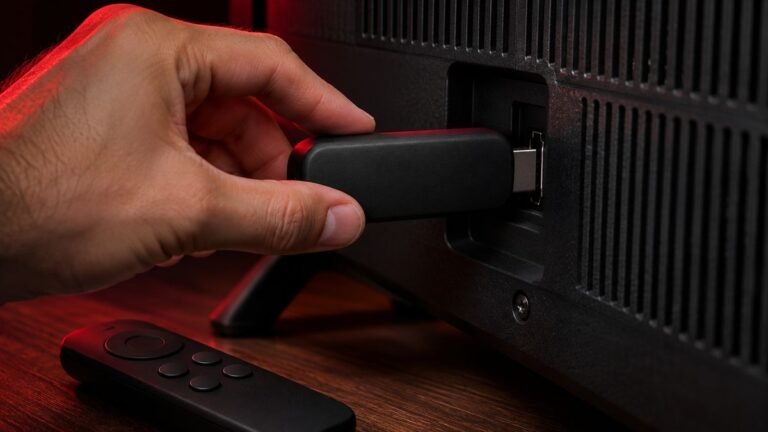
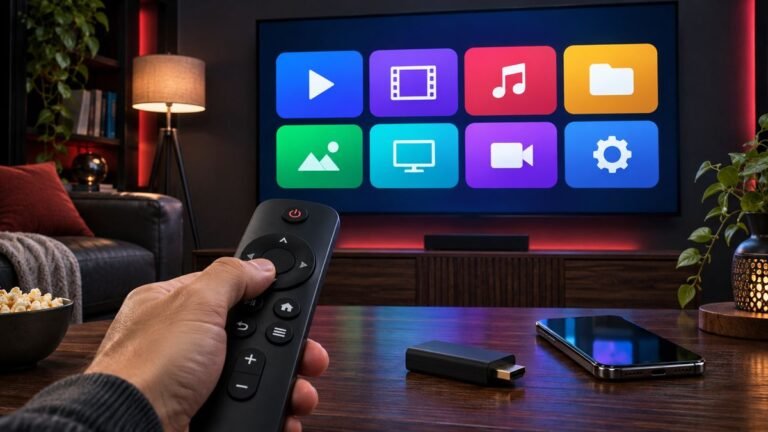
The box connects to your TV by HDMI and to the internet by Wi-Fi or cable. It runs a player app, and the app shows the channels from your IPTV subscription. The box itself has no channels. Without a subscription it is just an empty player.
Types of IPTV box
- Android TV boxes: run Android TV and apps such as IPTV Smarters Pro and TiviMate.
- Streaming sticks: for example the Amazon Fire TV Stick. Small, cheap and enough for most people.
- MAG boxes: dedicated IPTV boxes that connect through a portal address from your provider.
- Apple TV: runs player apps from the App Store.
Do you need one?
- You have a recent Samsung or LG Smart TV: probably not. Try a player app from the TV app store first.
- Your TV is older or slow: a streaming stick or Android box is a cheap fix and often faster than the TV.
- You want a classic channel-guide feel: an Android TV device with TiviMate is a popular choice.
What to look for when buying
- A known brand with regular software updates
- An Ethernet port, or good 5 GHz Wi-Fi
- 4K support if your TV is 4K
- A simple remote that everyone at home can use
Avoid “fully loaded” boxes
Be careful with boxes sold as “fully loaded” or “all channels free for life”. They usually come with apps for unauthorised streams, they stop working without warning, and they can carry security risks. Buy a clean device and add your own subscription.
Set up your box
Once you have a device, follow our setup guides for IPTV Smarters Pro or TiviMate. Not sure your device will work? Ask us on WhatsApp before you order.