Best IPTV Player Apps: How to Pick One for Your Device
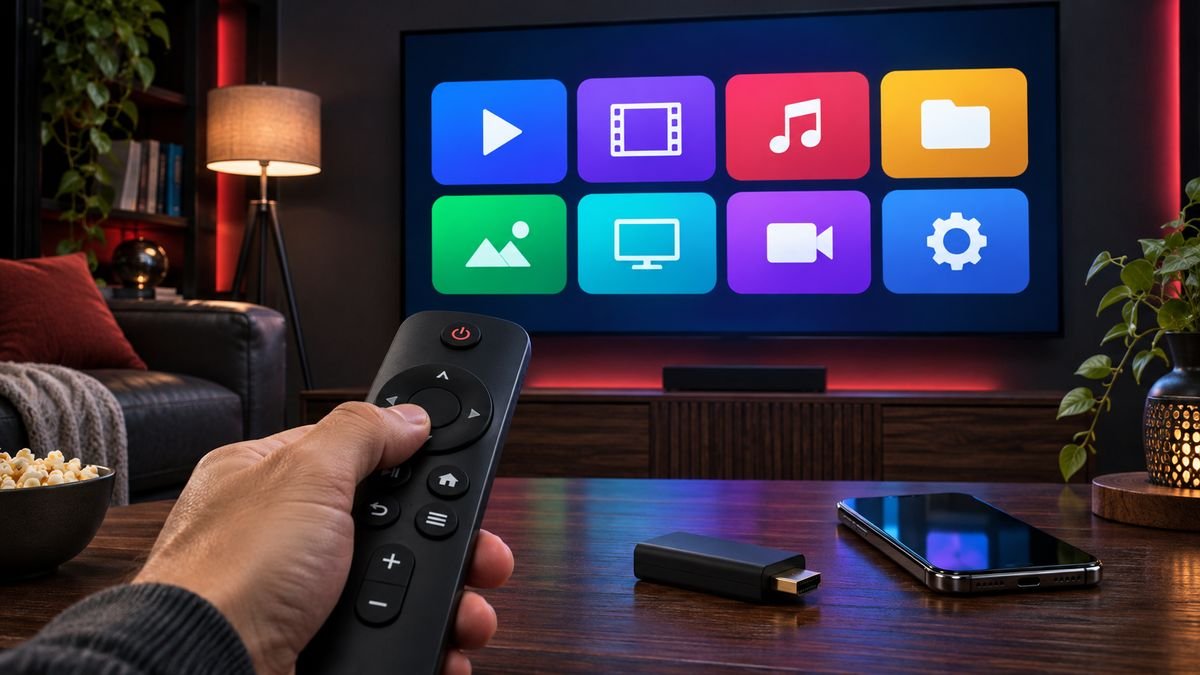
An IPTV player is the app that shows your channels on screen. It does not include any channels itself: you add your provider login and the app does the rest. Picking the right player makes the difference between a smooth, quick guide and a slow, confusing menu.
What makes a good IPTV player
- Runs on your device. Some players are Android only, others work on Apple, Smart TVs or computers.
- Supports your login type. Most providers use Xtream Codes logins or M3U playlists.
- Has a clear TV guide. A good EPG shows what is on now and next.
- Works well with a remote. On a TV, menus should be easy to move through without a mouse.
- Comes from the official source. Install from your device app store or the developer site.
Popular IPTV player apps
IPTV Smarters Pro
Runs on Android, Fire TV, many Smart TVs, Windows and Mac. On iPhone, iPad and Apple TV the app is listed as Smarters Player Lite. It supports Xtream Codes logins, which makes setup quick, and it is the easiest place to start for most people. Follow our IPTV Smarters Pro setup guide.
TiviMate IPTV Player
Built for Android TV, Android boxes and Fire TV Stick, with a classic channel-guide layout that feels like regular television. It does not run on Apple devices, Samsung or LG TVs. The free version is enough to watch live TV, and a paid premium upgrade from the developer adds extras such as favourites and recording. See our TiviMate setup guide.
VLC media player
Free and available almost everywhere. VLC can open an M3U playlist, which is useful for a quick test, but it has no proper TV guide, so it is not ideal for everyday viewing.
Kodi
A free media centre for many devices. With the PVR IPTV Simple Client add-on it can play IPTV with a guide, but setup takes longer and suits people who like to tinker.
Which player should you choose?
- Android TV or Fire TV Stick: TiviMate for a TV-style guide, or IPTV Smarters Pro.
- iPhone, iPad or Apple TV: Smarters Player Lite.
- Samsung or LG Smart TV: IPTV Smarters Pro, if your TV app store lists it.
- Windows or Mac: IPTV Smarters Pro desktop, or VLC for a quick test.
One warning
Be careful with player apps that come with channels already built in, or that you can only download from unknown websites. A real player app is empty until you add your own subscription.
Need help picking?
Tell us your device on WhatsApp and we will tell you which player to use and send you a setup guide.